
92 Pak Withdrawal Process and Common Problems
A 92 Pak withdrawal transfers an eligible account balance to an external payment method. The exact process may differ by account version, promotion and payment channel.
Independent guide, not an official channel. Gaming involves financial risk — winning is never guaranteed. Login, Register and Download buttons on this site are affiliate links; we may earn a commission if you sign up through them, at no extra cost to you.

Competitor websites publish conflicting minimum withdrawal amounts and processing claims. Avoid advertising a fixed limit or “instant” payment unless it has been verified in the current wallet and terms.
Quick Answer and Key Takeaways
A 92 Pak withdrawal moves an eligible balance to your linked payment method. Log in, open Wallet or Withdrawal, check the withdrawable balance, verify the receiving details, enter the amount and submit the request once. Save the request ID. Delays or rejections usually involve verification, bonus turnover, a name mismatch or incorrect wallet details.
- Only the withdrawable balance can be cashed out; locked bonus funds or incomplete turnover may keep part of the displayed balance unavailable.
- Minimum withdrawal amounts and processing times published online conflict, so check the live withdrawal screen and terms instead of trusting a fixed figure.
- Verification may include mobile-number checks, matching wallet ownership and identity confirmation before a payout is approved.
- A pending status does not automatically mean the request has failed; save the request ID, screenshots and transaction history.
- Never pay a private tax, unlock fee or VIP upgrade to release a withdrawal, and never share your OTP, password or wallet PIN.
What to Check Before Withdrawing
Confirm:
- Withdrawable balance
- Minimum amount
- Maximum daily amount
- Linked payment method
- Correct account title
- Identity verification
- Bonus turnover
- Withdrawal fee
- Expected processing status
- Cancellation policy
A displayed balance may include locked bonus funds that cannot yet be withdrawn.
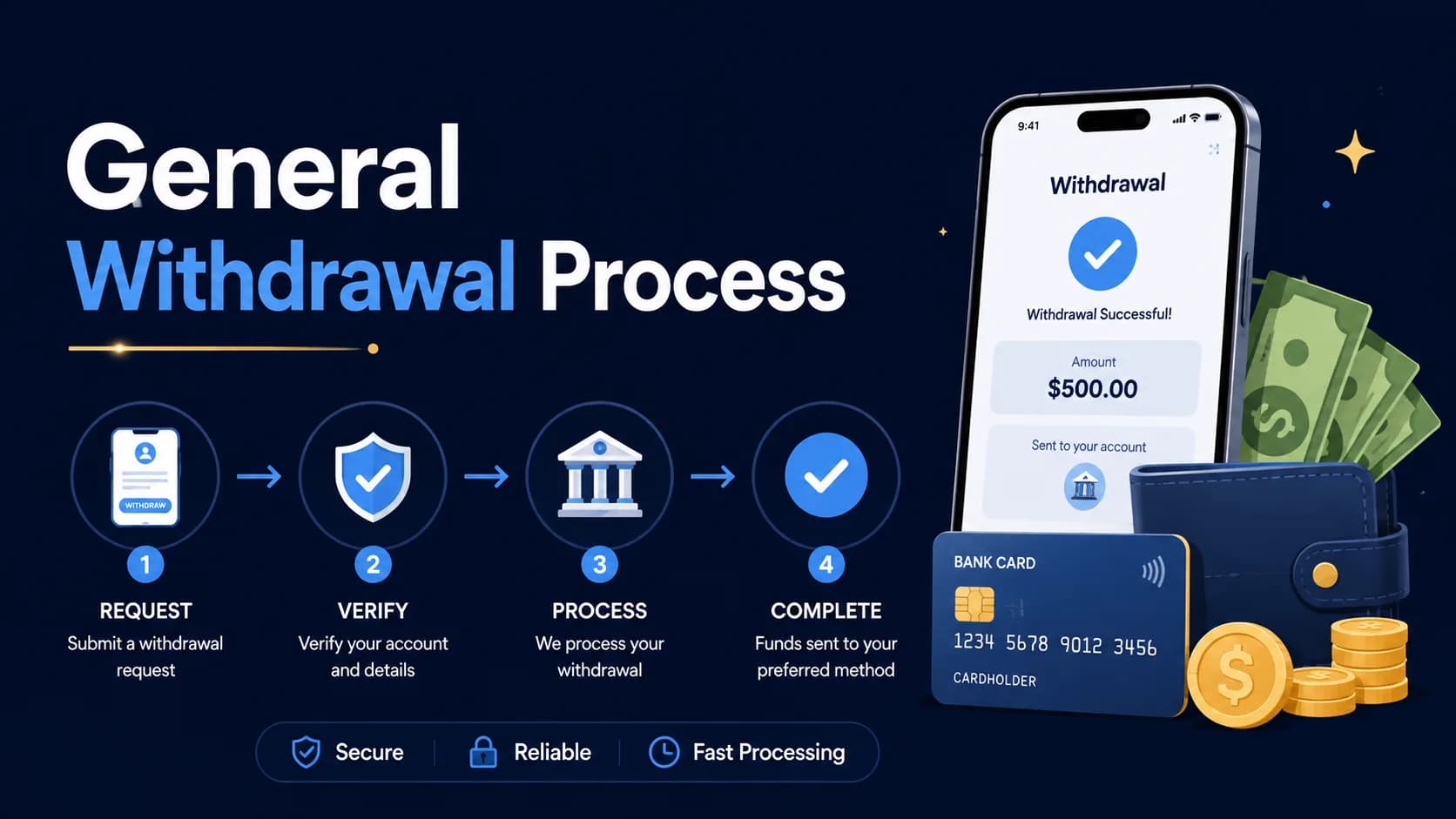
General Withdrawal Process
- 1Log in securely.
- 2Open Wallet or Withdrawal.
- 3Check the available withdrawable balance.
- 4Select the payment method.
- 5Add or verify the receiving details.
- 6Enter the amount.
- 7Review fees and conditions.
- 8Complete security verification.
- 9Submit the request once.
- 10Save the request ID and screenshot.
- 11Monitor transaction history.
- 12Contact verified support only after the stated period passes.
Do not cancel and resubmit repeatedly unless support specifically advises it.
Withdrawal Verification
A platform may request verification to reduce fraud. This can include:
- Mobile-number verification
- Matching wallet ownership
- Identity confirmation
- Account-activity review
- Payment-method confirmation
Submit documents only through a verified secure channel. Cover unrelated information where possible.
Wagering and Turnover
A deposit or bonus may need to be used a certain number of times before withdrawal — see how to deposit money into 92 Pak for the general process. This is commonly called wagering or turnover.
Before accepting a bonus, ask:
- What amount must be wagered?
- Which games count?
- Do cancelled rounds count?
- When does the requirement expire?
- Is there a maximum bonus withdrawal?
- Can the promotion be removed?
Do not continue depositing solely to unlock a previous deposit or bonus.
Why Withdrawals May Be Pending
Possible causes include:
- Manual account review
- Incorrect wallet information
- Name mismatch
- Unfinished verification
- Incomplete turnover
- Payment-provider delay
- Daily limit reached
- Bonus investigation
- Unusual account activity
- Technical maintenance
A pending status does not automatically mean the request has failed, but it should be documented.
Why a Withdrawal May Be Rejected
Common possibilities include:
- Amount below the minimum
- Incorrect recipient details
- Unsupported payment method
- Unverified account
- Promotion terms not completed
- Multiple accounts
- Account-security concern
- Attempt to withdraw locked bonus funds
Ask support for the exact written reason rather than accepting a vague answer.
Warning About Withdrawal Scams
Do not pay a person who claims that a tax, unlock fee, security deposit or VIP upgrade must be sent privately before funds are released.
When a legitimate fee exists, it should appear in the platform's terms and transaction screen. It should not require sending money to an individual's personal wallet.
Never share:
- Account password
- OTP
- Mobile-wallet PIN
- Full identity-document image in open chat
- Remote-control access
What to Do When a Withdrawal Is Delayed
- Save the request ID.
- Check transaction history.
- Read the current processing policy.
- Confirm the receiving details.
- Take screenshots.
- Contact the verified support channel.
- Request a written status.
- Avoid making another deposit to speed up payment.
- Preserve all conversations and receipts.
Where the amount is significant or fraud is suspected, contact the relevant payment provider and obtain appropriate professional advice.
Responsible Withdrawal Practice
Withdraw available funds instead of repeatedly returning them to play. A temporary win can be lost in later rounds.
The World Health Organization reports that gambling harm can include financial distress and harm to relationships and families.
Set limits and stop when the activity affects normal expenses or emotional wellbeing.
Withdrawal Terms Explained
Withdrawable balance
The part of your wallet that can actually be cashed out. It may be lower than the displayed balance when bonus funds are locked.
Turnover
Also called wagering. The amount a deposit or bonus must be played before the related funds become withdrawable.
Request ID
The reference created when you submit a withdrawal. Save it with a screenshot, because support needs it to trace a delayed payout.
Wallet ownership check
A review that the receiving JazzCash, Easypaisa or bank account belongs to the account holder. A name mismatch can delay or block payment.
Pending review
A status showing the request is still being processed or manually reviewed. It is not the same as a rejected withdrawal.
If your receiving details need to match your account, the 92 Pak account registration guide shows how account details are set up. If you are signed out while a payout is under review, use the 92 Pak sign-in guide rather than a link sent in chat.
Frequently Asked Questions
Competitor websites publish conflicting amounts. Check the live withdrawal screen before depositing.
No consistent independently verified processing time is available. The status may depend on the method, account review and current conditions.
Part of it may be bonus credit, locked funds or subject to turnover.
Enter an OTP only on the verified security screen. Do not tell it to another person.
No. Requests for another private payment can be a serious warning sign.
Log in, open Wallet or Withdrawal, check the withdrawable balance and select your payment method. Add or verify the receiving details, enter the amount, review fees and conditions, then submit the request once. Save the request ID and a screenshot, and monitor your transaction history until the payout is complete.
It depends on the methods shown on the live withdrawal screen. Mobile wallets such as JazzCash and Easypaisa are widely advertised by third-party websites, but availability is not confirmed by one consistent source. If a wallet is offered, use one registered in your own name, because a name mismatch can delay or block the payout.
Common reasons include an amount below the minimum, incorrect recipient details, an unsupported payment method, an unverified account or unfinished promotion terms. Trying to withdraw locked bonus funds can also cause a rejection. Ask verified support for the exact written reason, fix the problem and avoid submitting the same request again and again.
That depends on the platform's cancellation policy, so read it in the current terms before you submit. Cancelling and resubmitting repeatedly can create more confusion and may slow the review. Only cancel when verified support specifically advises it, and keep the original request ID, screenshots and every message as a record.
Conclusion
The withdrawal stage is where clear terms matter most. Confirm limits, verification requirements and bonus conditions before depositing.
Keep records of every request, and never send additional money to an individual who promises to unlock a payout.
Latest 92 Pak Game Guides and Fixes
Step-by-step help for downloading, registering, logging in and fixing APK problems.
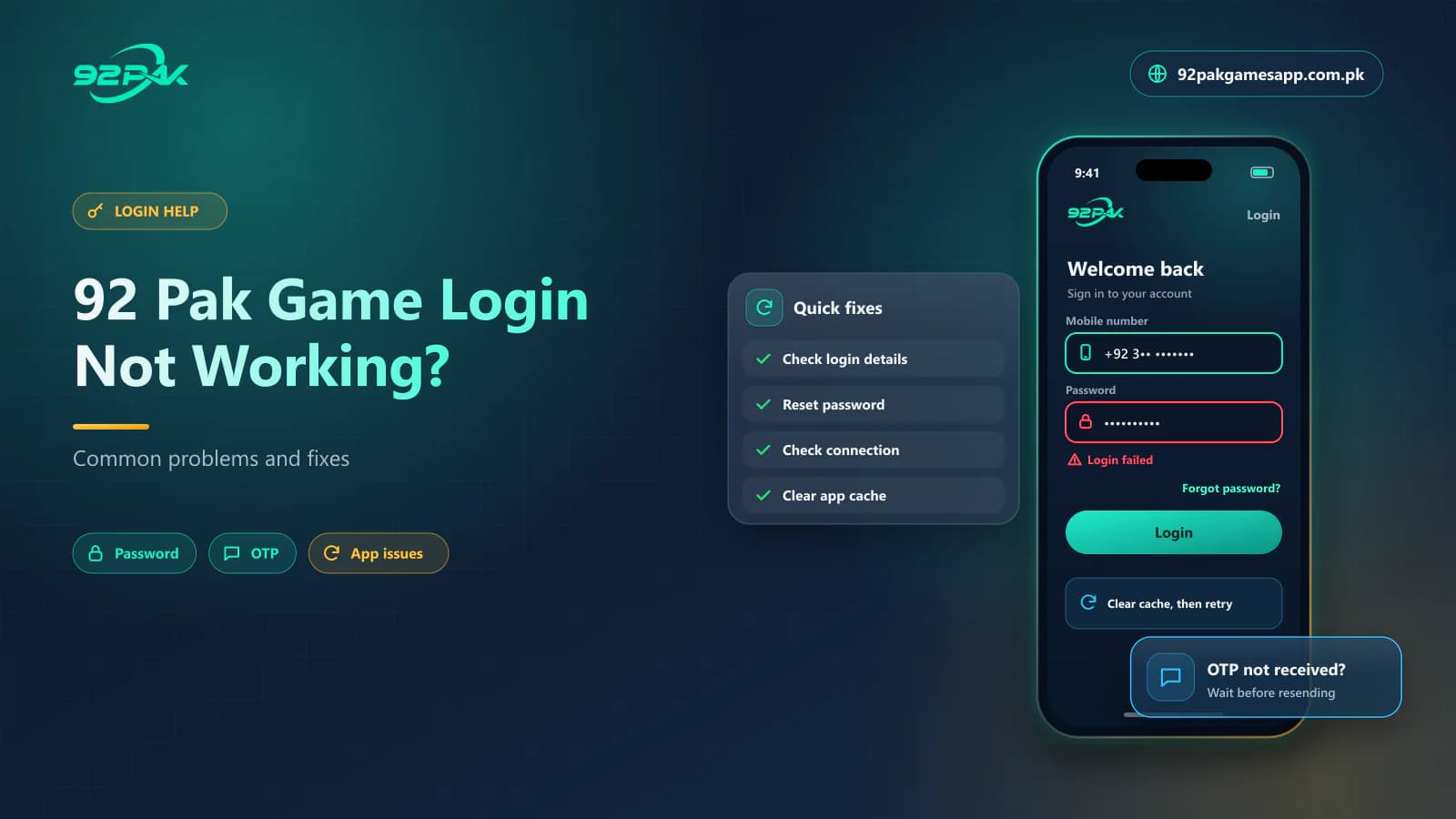 Blog · Login Help7 min read
92 Pak Game Login Not Working? Common 92Pak Login Problems and Fixes
92 Pak Game login not working? Fix 92Pak password errors, OTP not received, app login failures, loading problems and account blocks step by step.
Read article Blog · APK Troubleshooting7 min read
92 Pak Game APK Not Installing? Causes and 92Pak APK Fixes
92 Pak Game APK not installing on Android? Fix blocked installation, parsing errors, corrupted 92Pak APK files, low storage and version conflicts.
Read article Blog · Gift Code Help7 min read
92 Pak Game Gift Code Not Working? Reasons and 92Pak Gift Code Fixes
92 Pak Game gift code not working? See why a 92Pak gift or redeem code shows invalid, expired or already used, and fix redemption errors step by step.
Read article Guide · APK Download8 min read
92 Pak Game Download APK – Latest 92Pak Android Version 2026
92Pak download guide for Pakistan: get the latest 92 Pak Game APK for Android, install it step by step, update it safely and fix common APK download errors.
Read guide Guide · Android Setup7 min read
92 Pak Game Download for Android – 92Pak App Complete Setup Guide
92 Pak Game download for Android made simple: install the 92Pak app APK, check compatibility, set permissions, update the app and log in without errors.
Read guide Guide · Account Registration7 min read
92 Pak Game Register Guide – Create a New 92Pak Account
Register on 92 Pak Game in Pakistan: create your 92Pak account with a mobile number, OTP and password, add an invitation code and fix common sign-up errors.
Read guide Guide · Google Play7 min read
92 Pak Game Play Store – Is the 92Pak App Available on Google Play?
Is 92 Pak Game on the Google Play Store? Learn how to check a genuine 92Pak app listing, why the game is usually an APK download and how to avoid fake apps.
Read guide Guide · Account Login7 min read
92Pak Game Login Pakistan – Step-by-Step 92 Pak Login Guide 2026
92Pak game login guide for Pakistan: sign in to 92 Pak Game with your mobile number and password, fix password and OTP errors, and keep your account secure.
Read guide Guide · Gift Codes7 min read
92 Pak Game Gift Code Today – How to Check and Redeem 92Pak Gift Codes
92 Pak Game gift code today: where to check the latest 92Pak gift codes, how to redeem a code step by step, and why codes show invalid, expired or fake.
Read guide Guide · Website Safety7 min read
92 Pak Game Official Link – How to Find the Real 92Pak Website
92 Pak Game official link guide: identify the real 92Pak website, spot fake 92pak.com and 92pk copies, verify HTTPS, login pages and APK links, stay safe.
Read guide
Explore the Related Guides
Review the next guide before you download, register, deposit or withdraw anything.