
92 Pak Game Download APK for Android
The 92 Pak game download is commonly offered as an Android APK rather than through a clearly verified app-store listing. An APK can be installed directly on an Android phone, but it requires more care than a normal Google Play installation.
Independent guide, not an official channel. Gaming involves financial risk — winning is never guaranteed. Login, Register and Download buttons on this site are affiliate links; we may earn a commission if you sign up through them, at no extra cost to you.

Several third-party pages publish different versions and file sizes for the same game. Because those details do not agree, this page does not present one version number as the latest version. Check the downloaded file and its source before installation.
Quick Answer and Key Takeaways
To complete the 92 Pak download, open a verified download page in your Android browser, download the APK once, check the filename and scan the file. Allow unknown-app installation only for that browser or file manager, install it, then remove the permission. Keep Google Play Protect active, avoid mod APKs, and remember that iPhones cannot install APK files.
- 92 Pak is offered mainly as an Android APK, not through a clearly verified app-store listing.
- Third-party pages publish conflicting version numbers and file sizes, so check the file and its source instead of trusting one "latest version".
- The Google Play app found under the name "92 Pak game earning" is an informational guide, not the real-money game.
- Keep Google Play Protect switched on and treat every Android security warning seriously.
- Never install a mod, hack or unlimited-money APK, because a modified file may steal data or change transactions.
- A successful installation does not prove that the platform is licensed or financially safe.
Before Downloading the APK
Check these points:
- The website address is typed correctly.
- The page identifies who provides the file.
- The download button does not move through several unrelated domains.
- The filename includes an .apk extension.
- The file is not described as a hack, mod or unlimited-money version.
- Android security tools are active.
- Enough storage is available.
- Important phone data is backed up.
Google states that Play Protect checks Android applications for harmful behaviour and may warn about applications installed from outside Google Play. Keep this protection active rather than disabling it to force an installation.
How to Download 92 Pak APK
- 1Open the verified download page in your Android browser.
- 2Review the displayed app name, version and file size.
- 3Tap the APK download button once.
- 4Wait for the complete file to download.
- 5Open the Downloads folder.
- 6Check the filename before opening it.
- 7Scan the APK where possible.
- 8Continue only when the source and permissions appear reasonable.
The exact menu names can differ by Android brand and version.
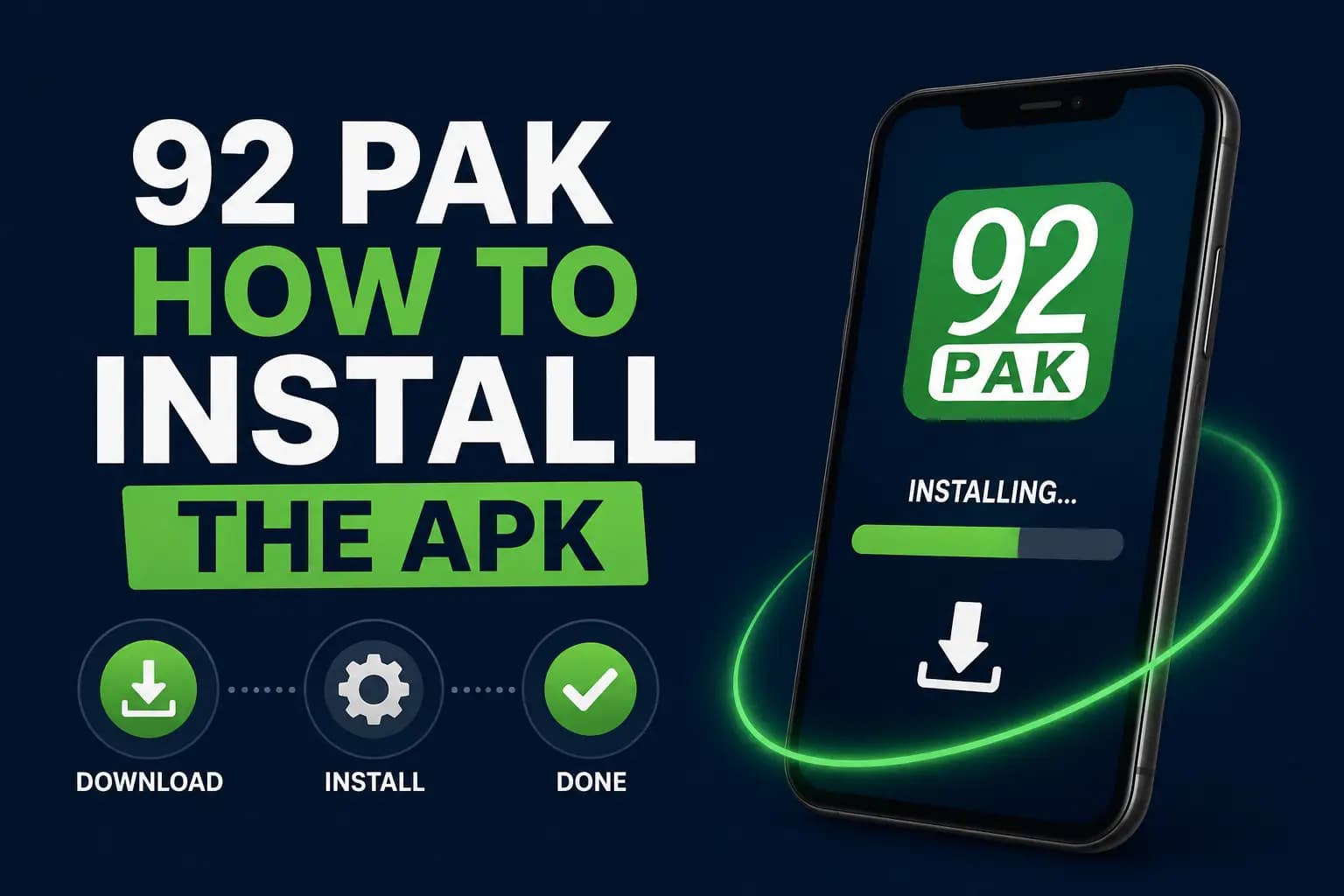
How to Install the APK
When Android blocks the installation, it may offer an option to allow that browser or file manager to install unknown applications.
Use permission only for the application handling the verified file:
- 1Open the downloaded APK.
- 2Read the Android security message.
- 3Open the permission screen when prompted.
- 4Allow installation for that browser or file manager.
- 5Return to the APK.
- 6Tap Install.
- 7Wait for installation to finish.
- 8Remove the temporary installation permission afterwards.
- 9Open the application.
- 10Review every requested permission before allowing it.
Do not grant access to contacts, SMS, microphone, accessibility settings or device administration unless the feature clearly requires it and the developer can be verified.
What to Check After Installation
Before registration or deposit:
- Open the account and terms sections.
- Look for the operator's name.
- Check the privacy policy.
- Confirm the support method.
- Read deposit and withdrawal rules.
- Check whether an age warning is shown.
- Review the application under Android Settings.
- Remove permissions that appear unnecessary.
A successful installation does not prove that the platform is licensed or financially safe.
Common Installation Problems
APK Download Stops
Possible causes include:
- Weak internet connection
- Browser storage restrictions
- Low phone storage
- Broken download link
- Security software blocking the file
Delete incomplete copies before downloading again.
“App Not Installed” Error
This may happen when:
- An old or conflicting version is installed
- The APK is corrupt
- The phone's Android version is unsupported
- The file architecture does not match the device
- There is not enough storage
- The APK signature differs from an existing version
Do not remove an existing application until account details and transaction records are saved.
Security Warning Appears
Treat the warning seriously. Confirm the source and scan the file rather than automatically bypassing protection.
Application Opens and Closes
Restart the phone, clear the app cache and check available storage. If it continues crashing, remove it rather than repeatedly granting more permissions.
Update Will Not Install
The update may have a different signature from the existing version. Download updates only through the same verified channel used for the original installation.
Is It Available on Google Play?
A Google Play listing using the name “92 Pak game earning” was found during research, but its description states that it is an informational guide and does not provide gambling, betting or real-money gaming. It should not be confused with the gaming application.
Always read the developer name and full store description before installing an app with a similar name.
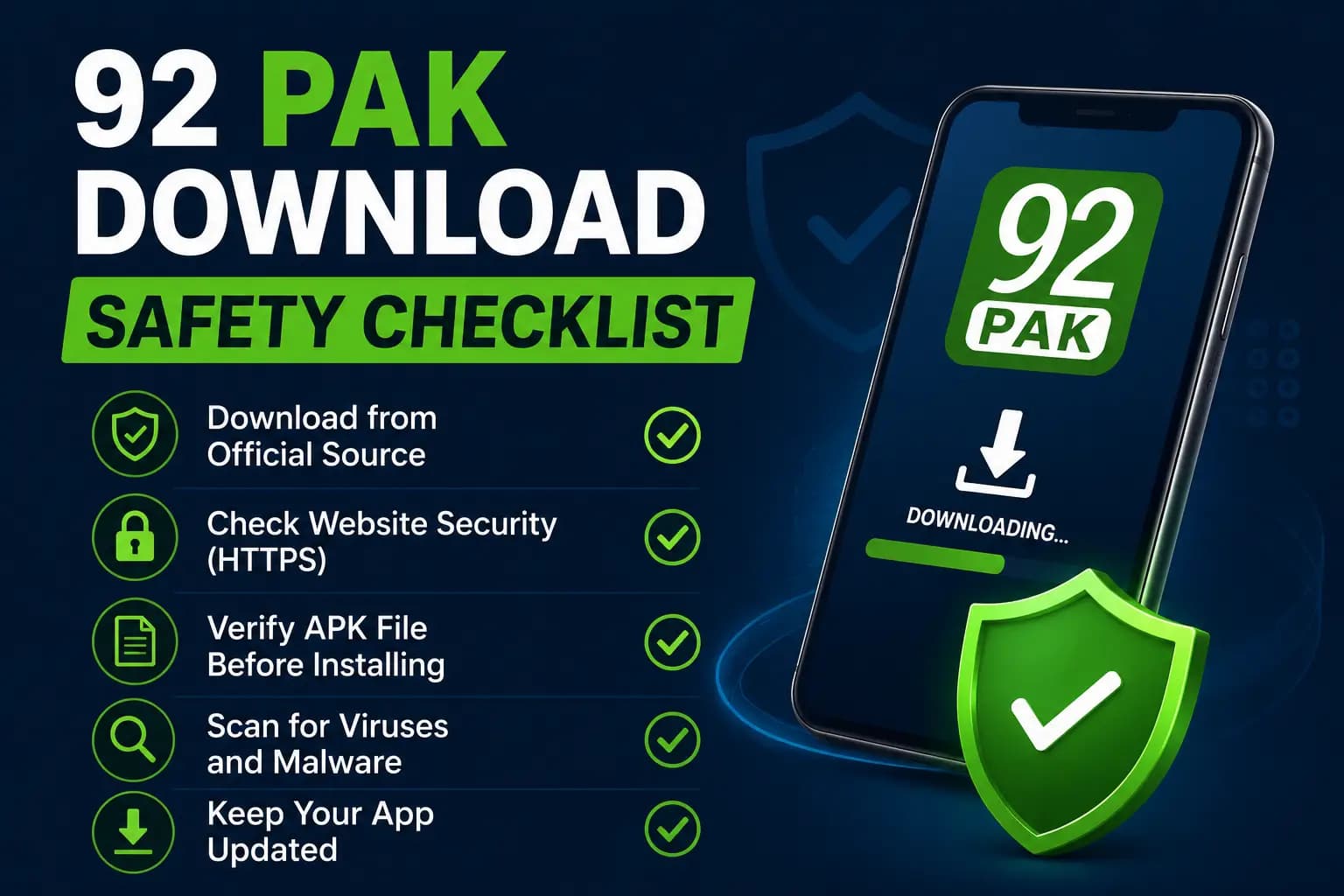
Download Safety Checklist
- Avoid mod APK files.
- Do not share OTPs.
- Keep Play Protect active.
- Do not install remote-control applications for an agent.
- Check permissions after every update.
- Use a unique account password.
- Save the original download source.
- Do not deposit immediately after an unfamiliar installation.
- Test account access and support first.
- Remove the application if it displays unexplained pop-ups or redirects.
Common Download Mistakes to Avoid
Most APK problems on Android phones in Pakistan come from a few simple mistakes. Avoid these before you tap Install.
- Downloading from a page that sends you through several unrelated domains before the file starts.
- Switching off Google Play Protect to force the installation instead of checking why the warning appeared.
- Uninstalling the old app before saving your account details and transaction records.
- Opening the same broken file again and again. If Android still refuses to install it, check storage, the Android version and any existing copy first.
- Trying to install an APK on an iPhone. APK files only work on Android, so read 92 Pak on iPhone and iPad instead.
- Depositing straight after an unfamiliar installation. Read the complete 92 Pak overview to understand the platform and its risks first.
Frequently Asked Questions
Third-party pages generally advertise a free APK, but playing real-money games may require a deposit.
Competitor pages publish conflicting version and file-size information. A fixed number could quickly become inaccurate.
Android APK files do not work on iPhones. Use only a verified Apple App Store listing or legitimate browser access.
A modified APK may steal data, change transactions or compromise the account. It should be avoided.
Android restricts installations from outside normal app-store channels as a security measure.
No. You should keep Google Play Protect switched on. Android may ask you to allow unknown-app installation for the browser or file manager that holds the APK. Give that permission only to that one app, finish the installation, and then remove the permission again from your phone's settings.
First check your free storage and your Android version. Then look for an old or conflicting copy of the app, because a different APK signature can block the update. Delete incomplete downloads and get a fresh copy from the same verified source. Save your account details before removing any existing app.
Download each update only through the same verified channel you used for the original installation. An update from a different source may have a different signature, so Android can refuse to install it. After every update, open Android Settings and review the app's permissions again before you log in.
Usually not. Do not allow access to contacts, SMS, microphone, accessibility settings or device administration unless a feature clearly needs it and the developer can be verified. Review every permission request after installation, and remove any permission that looks unnecessary from the app's page in Android Settings.
Conclusion
The 92 Pak APK may provide Android access, but downloading it from outside Google Play adds security concerns. Confirm the source, keep Android protection active and review all permissions.
Do not register or deposit merely because the application installs successfully. Read the 92 Pak account registration guide and 92 Pak deposit methods guide to verify the operator, support process and payment conditions first.
Latest 92 Pak Game Guides and Fixes
Step-by-step help for downloading, registering, logging in and fixing APK problems.
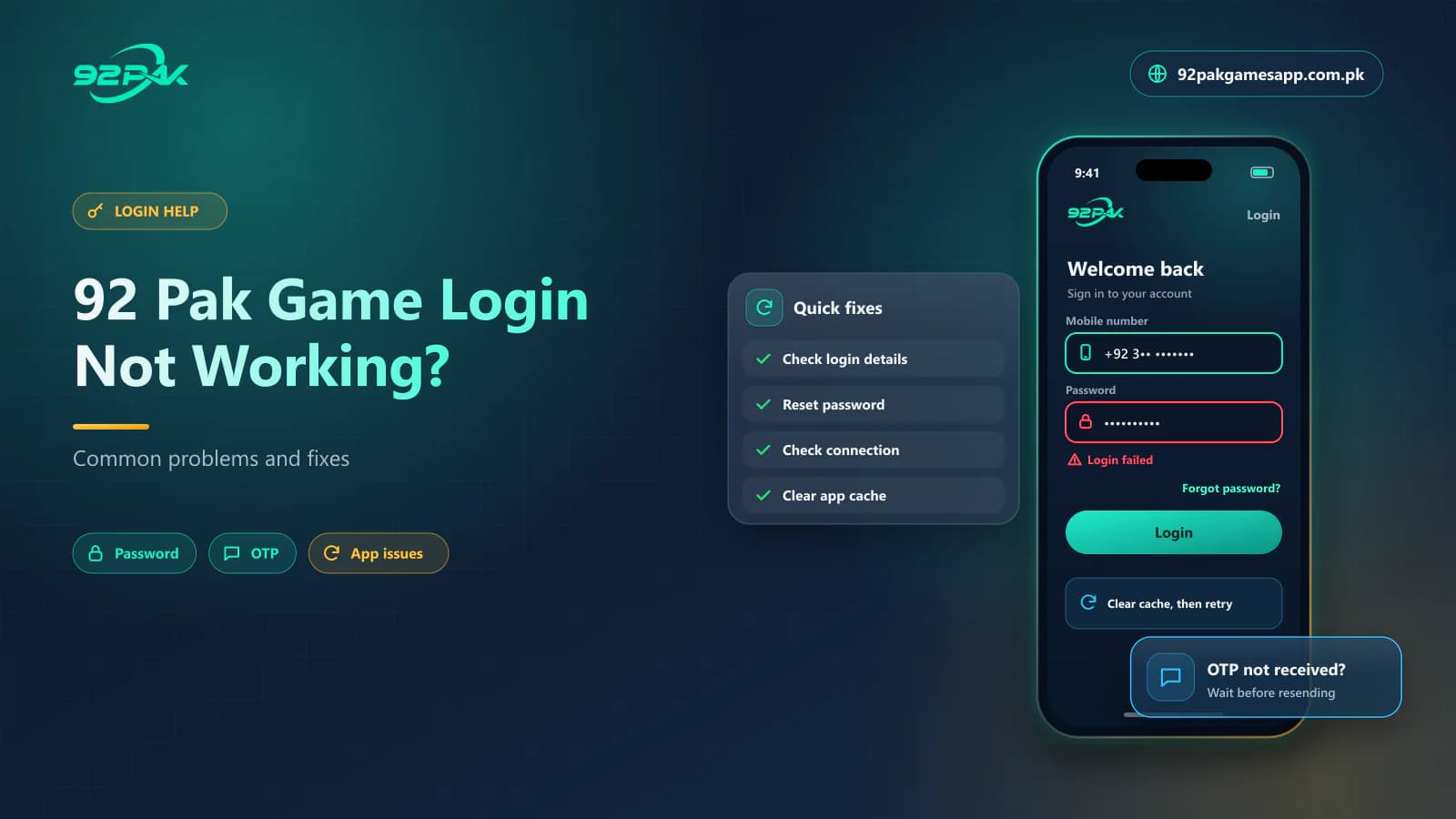 Blog · Login Help7 min read
92 Pak Game Login Not Working? Common 92Pak Login Problems and Fixes
92 Pak Game login not working? Fix 92Pak password errors, OTP not received, app login failures, loading problems and account blocks step by step.
Read article Blog · APK Troubleshooting7 min read
92 Pak Game APK Not Installing? Causes and 92Pak APK Fixes
92 Pak Game APK not installing on Android? Fix blocked installation, parsing errors, corrupted 92Pak APK files, low storage and version conflicts.
Read article Blog · Gift Code Help7 min read
92 Pak Game Gift Code Not Working? Reasons and 92Pak Gift Code Fixes
92 Pak Game gift code not working? See why a 92Pak gift or redeem code shows invalid, expired or already used, and fix redemption errors step by step.
Read article Guide · APK Download8 min read
92 Pak Game Download APK – Latest 92Pak Android Version 2026
92Pak download guide for Pakistan: get the latest 92 Pak Game APK for Android, install it step by step, update it safely and fix common APK download errors.
Read guide Guide · Android Setup7 min read
92 Pak Game Download for Android – 92Pak App Complete Setup Guide
92 Pak Game download for Android made simple: install the 92Pak app APK, check compatibility, set permissions, update the app and log in without errors.
Read guide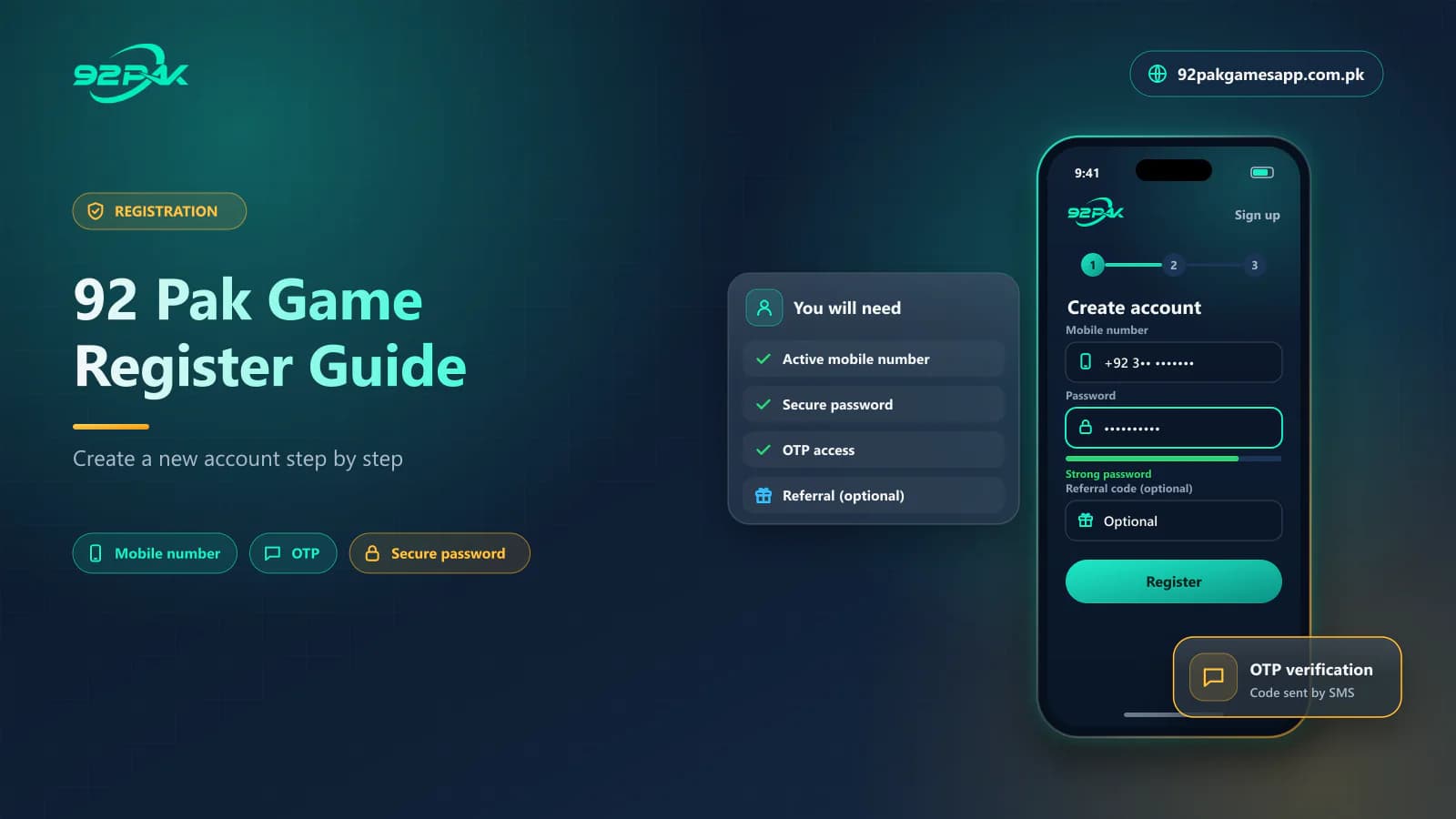 Guide · Account Registration7 min read
92 Pak Game Register Guide – Create a New 92Pak Account
Register on 92 Pak Game in Pakistan: create your 92Pak account with a mobile number, OTP and password, add an invitation code and fix common sign-up errors.
Read guide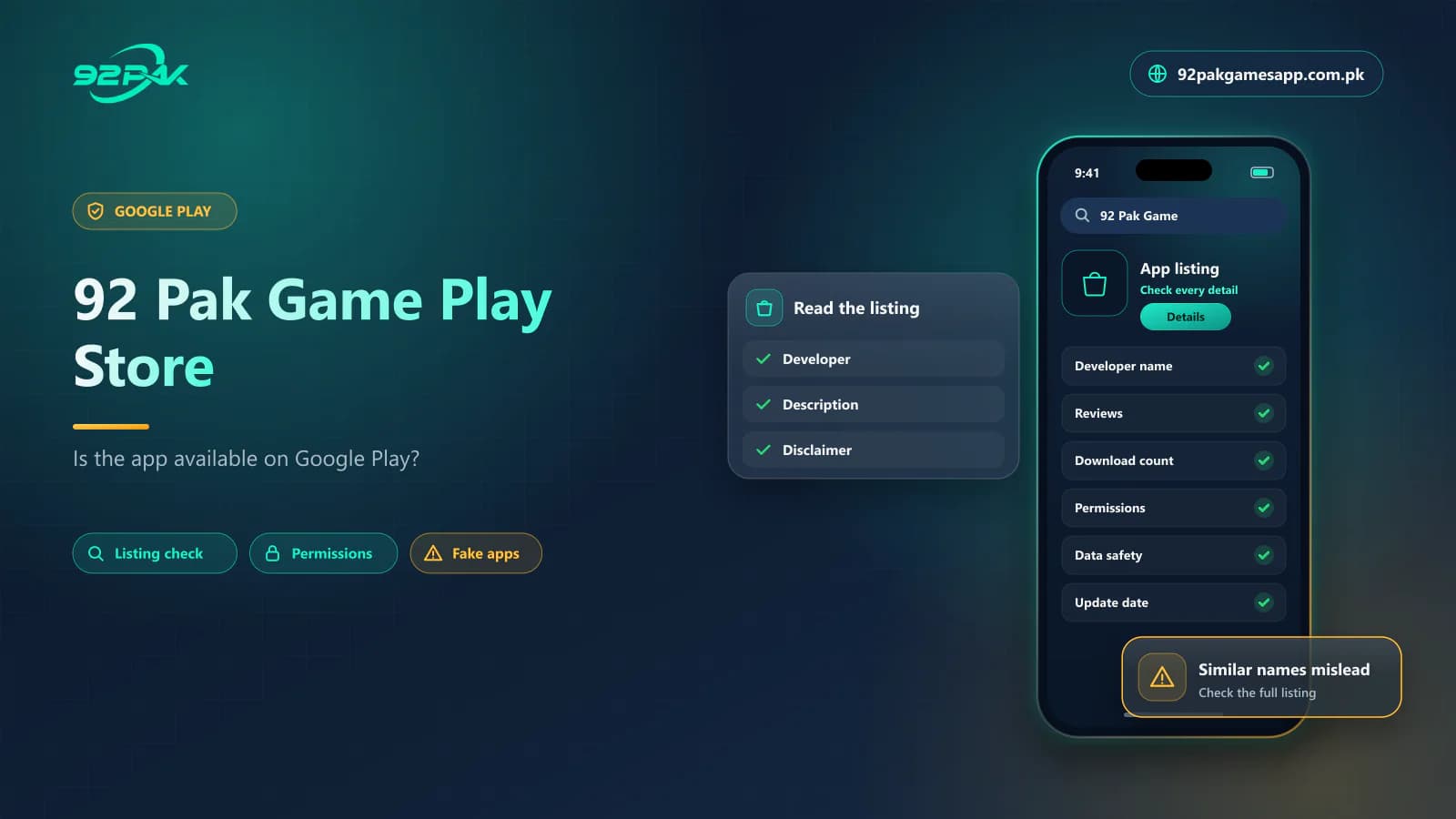 Guide · Google Play7 min read
92 Pak Game Play Store – Is the 92Pak App Available on Google Play?
Is 92 Pak Game on the Google Play Store? Learn how to check a genuine 92Pak app listing, why the game is usually an APK download and how to avoid fake apps.
Read guide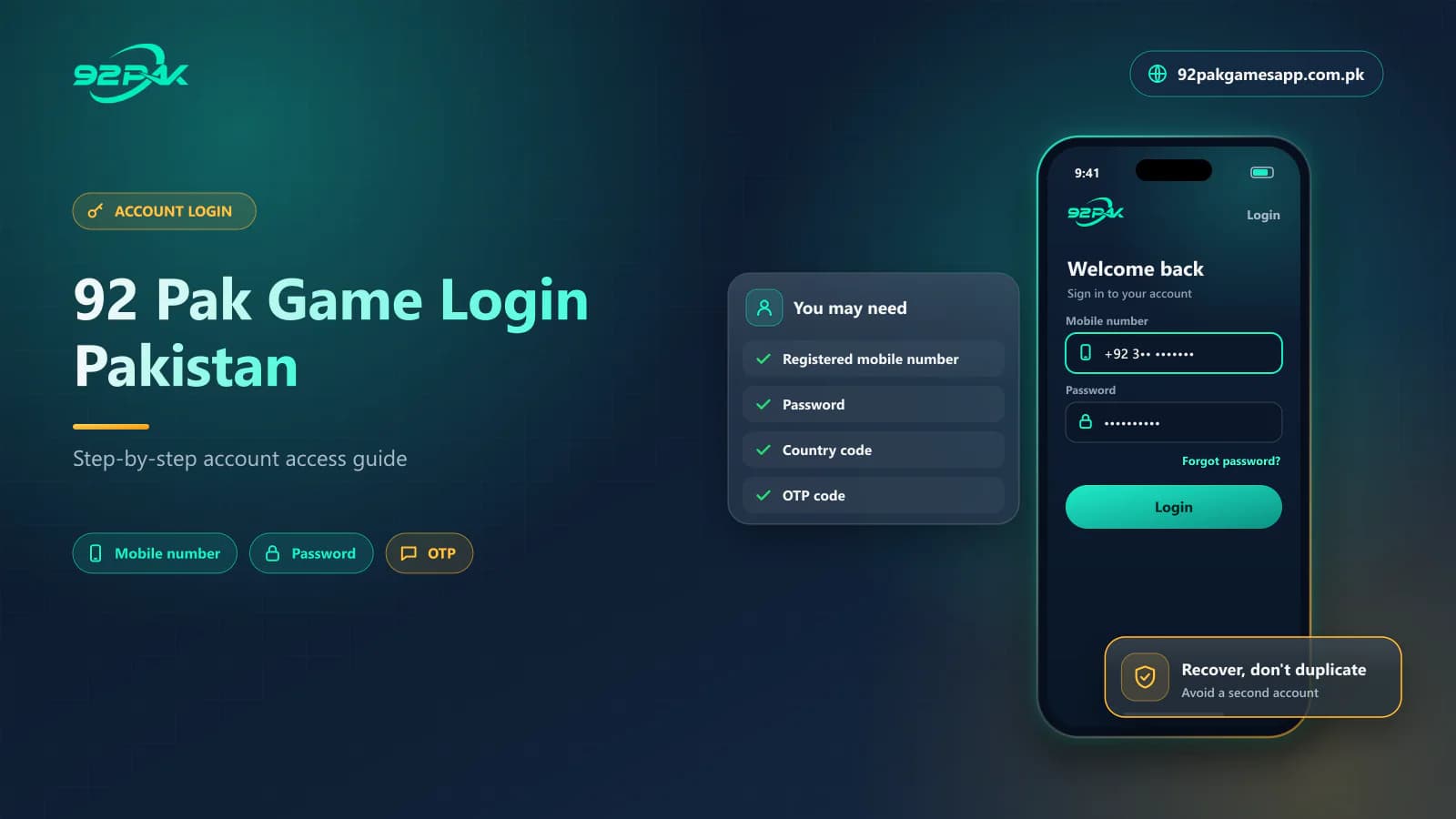 Guide · Account Login7 min read
92Pak Game Login Pakistan – Step-by-Step 92 Pak Login Guide 2026
92Pak game login guide for Pakistan: sign in to 92 Pak Game with your mobile number and password, fix password and OTP errors, and keep your account secure.
Read guide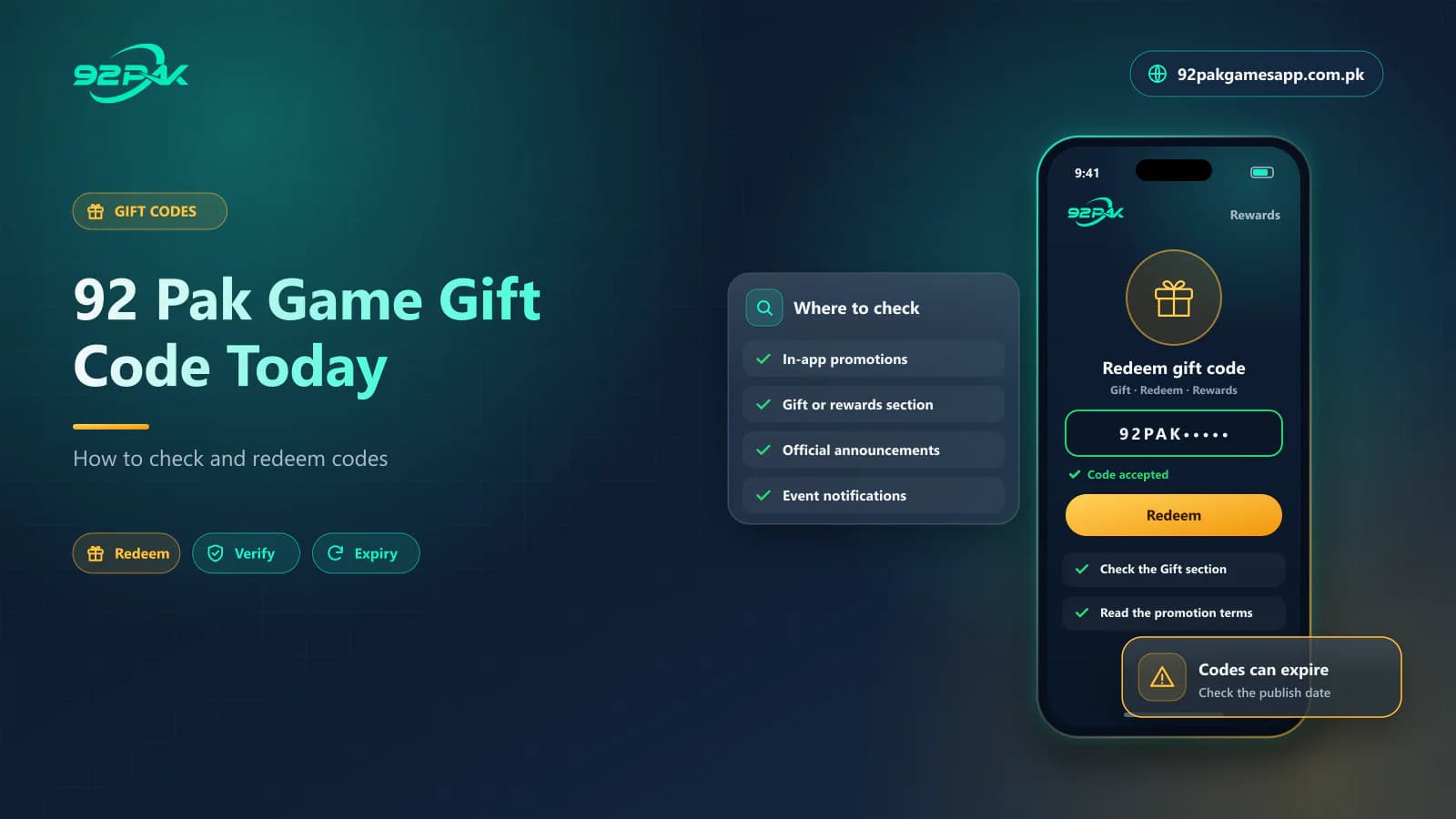 Guide · Gift Codes7 min read
92 Pak Game Gift Code Today – How to Check and Redeem 92Pak Gift Codes
92 Pak Game gift code today: where to check the latest 92Pak gift codes, how to redeem a code step by step, and why codes show invalid, expired or fake.
Read guide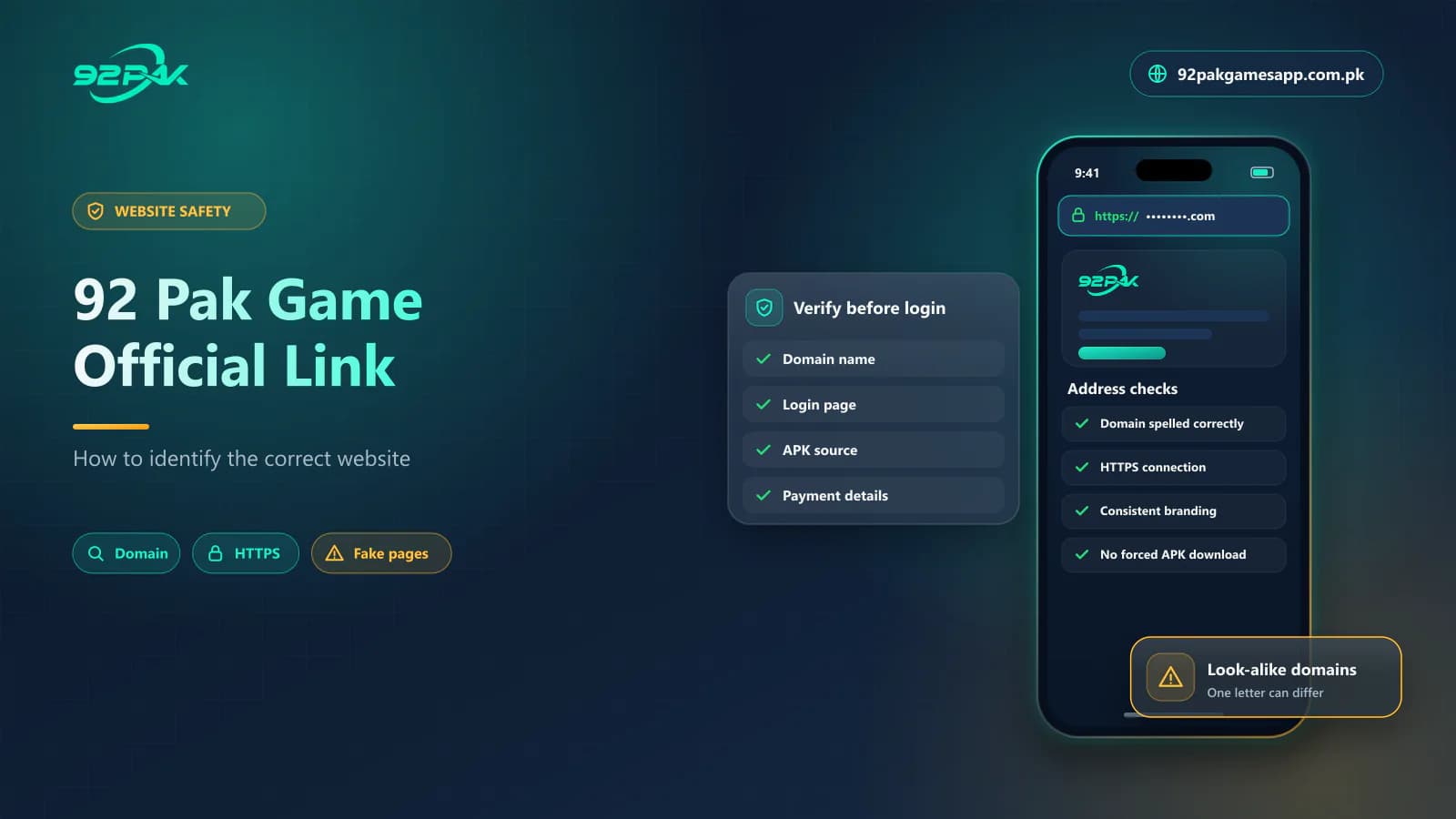 Guide · Website Safety7 min read
92 Pak Game Official Link – How to Find the Real 92Pak Website
92 Pak Game official link guide: identify the real 92Pak website, spot fake 92pak.com and 92pk copies, verify HTTPS, login pages and APK links, stay safe.
Read guide
Explore the Related Guides
Review the next guide before you download, register, deposit or withdraw anything.